App comparison
Need an MLB Ballpark app alternative for your game history?
Use the MLB Ballpark app when you need official tickets, park maps, promotions, and live stadium information. Use Gamebook when you want a lasting log of MLB games you attended, with the score, seat, players, home runs, personal team records, and a ballpark passport. The two apps solve different jobs and can work together.
Sources and resources
- Read the official MLB Ballpark app overview — MLB's current list of ticket, map, promotion, and in-park features.
Choose based on the job you need done
The official MLB Ballpark app is a game-day tool. MLB describes ticket access, interactive park maps, schedules, promotions, and in-park information as its main features. Keep it when those official services matter at the gate and in your seat.
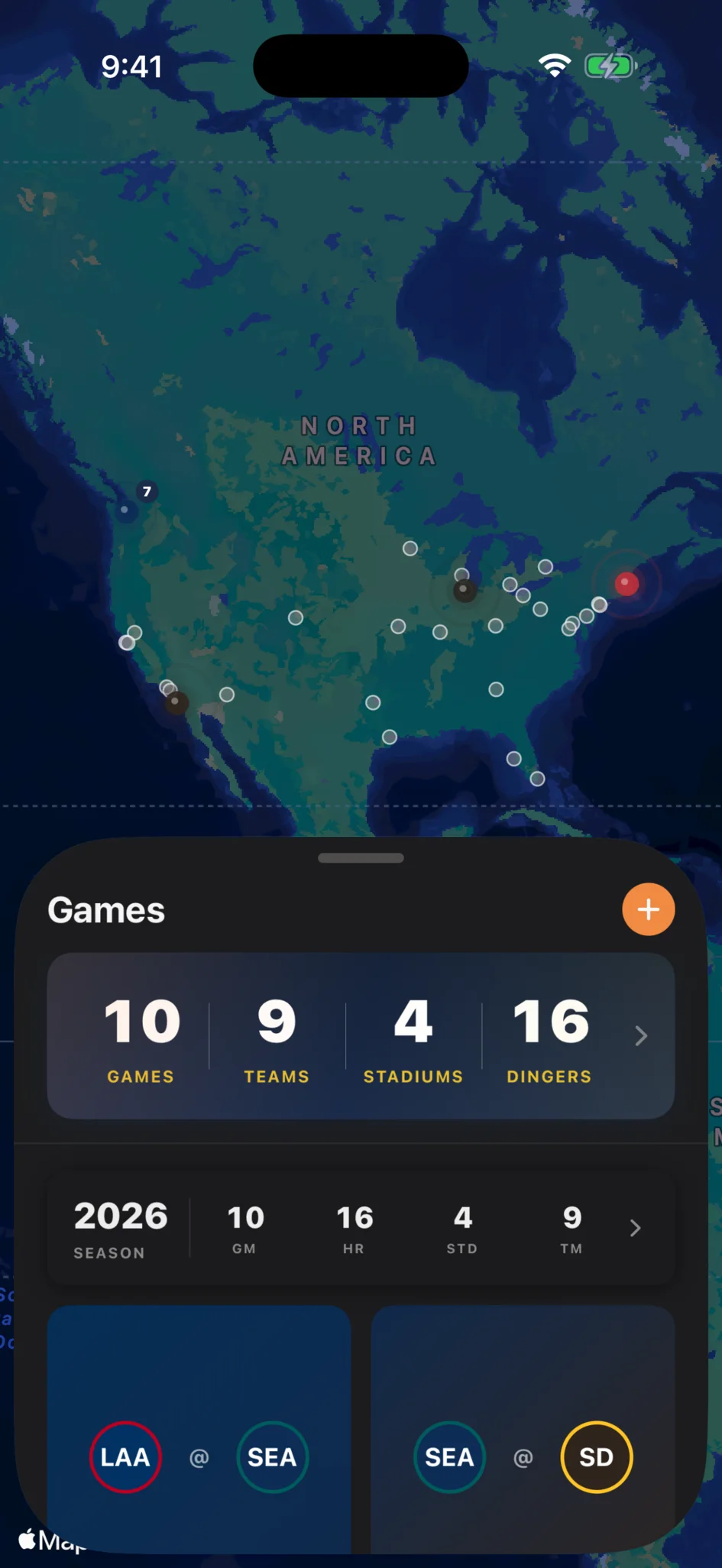
Gamebook is a personal history tool. You claim the MLB games you attended, save the seat and memory, and let each entry update your lifetime record. It does not replace an official ticket wallet or a pitch-by-pitch scorebook.
- Official tickets and live park services: MLB Ballpark.
- A private log of games attended: Gamebook.
- Interactive stadium-day maps: MLB Ballpark.
- Current and historic ballpark passport: Gamebook.
- Players and home runs witnessed: Gamebook.
- Using both for different jobs: often the best fit.
What Gamebook keeps after the final out
A Gamebook entry connects your attendance to the official matchup, score, park, box score, players, and home runs. You can add the section, row, seat, companions, photos, and a note that belongs only to your visit.
Across many games, those entries become team records, parks visited, player history, home runs witnessed, crowd totals, time spent at games, and season summaries. The value grows from the full log, not from one check-in.
When the official app remains the better choice
Use MLB Ballpark for the rotating ticket barcode, official club information, current promotions, and park services tied to that day's event. Those features come from MLB and the clubs, so a personal tracker should not pretend to replace them.
If all you need is entry to the game and a map of the concourse, adding another app may not help. Gamebook fits when you care about the record you will revisit next month or ten years from now.
How to begin without losing old visits
Start with one game whose date you know. Add it to Gamebook, then fill the seat, people, and memory. Backfill one past season at a time from ticket emails and photos instead of trying to rebuild your whole life in one sitting.
You can also download Gamebook's free MLB ballpark passport CSV if you want a simple list before opening an account. The spreadsheet and app can coexist while you decide how much detail you want.
Common questions
What is a good alternative to the MLB Ballpark app for tracking games attended?
Gamebook is built for a personal MLB attendance history, including games, seats, parks, team records, players, and home runs witnessed. MLB Ballpark remains useful for official tickets and stadium-day services.
Does Gamebook replace MLB Ballpark tickets?
No. Keep MLB Ballpark or the club's official ticket flow for entry. Gamebook records the game and your personal history after you attend.
Can Gamebook track games from past seasons?
Yes. You can add past MLB games and build your history from old tickets, photos, and calendar entries.
Can I use MLB Ballpark and Gamebook together?
Yes. Use MLB Ballpark for official game-day needs and Gamebook for the lasting log, ballpark passport, and personal stats.