Game tracker comparison
Sports Logbook or Gamebook: which game tracker fits a baseball fan?
Sports Logbook is the stronger fit when you want one web log across many sports and leagues. Gamebook is the stronger fit when your history centers on baseball and you want an iOS, Android test, or web log that ties each MLB game to the park, seat, players, home runs, photos, and lifetime fan stats. Both can keep games attended, so test one known game before moving a full history.
Sources and resources
- Check the official Sports Logbook overview — Sports Logbook's own summary of its league coverage, venue progress, maps, stats, and game history.
- Check the official Sports Logbook GameFinder — Sports Logbook's current tool for finding games by sport, date, distance, and location.
- Check the official Sports Logbook photo feature — Sports Logbook's product note about adding ticket stubs and photos to a saved game.
The short choice: many sports or a baseball-first log
Choose Sports Logbook when one history across many sports matters most. Its public pages cover professional and college leagues, venue progress, game stats, a stadium map, and a GameFinder for planning events near a place and date.
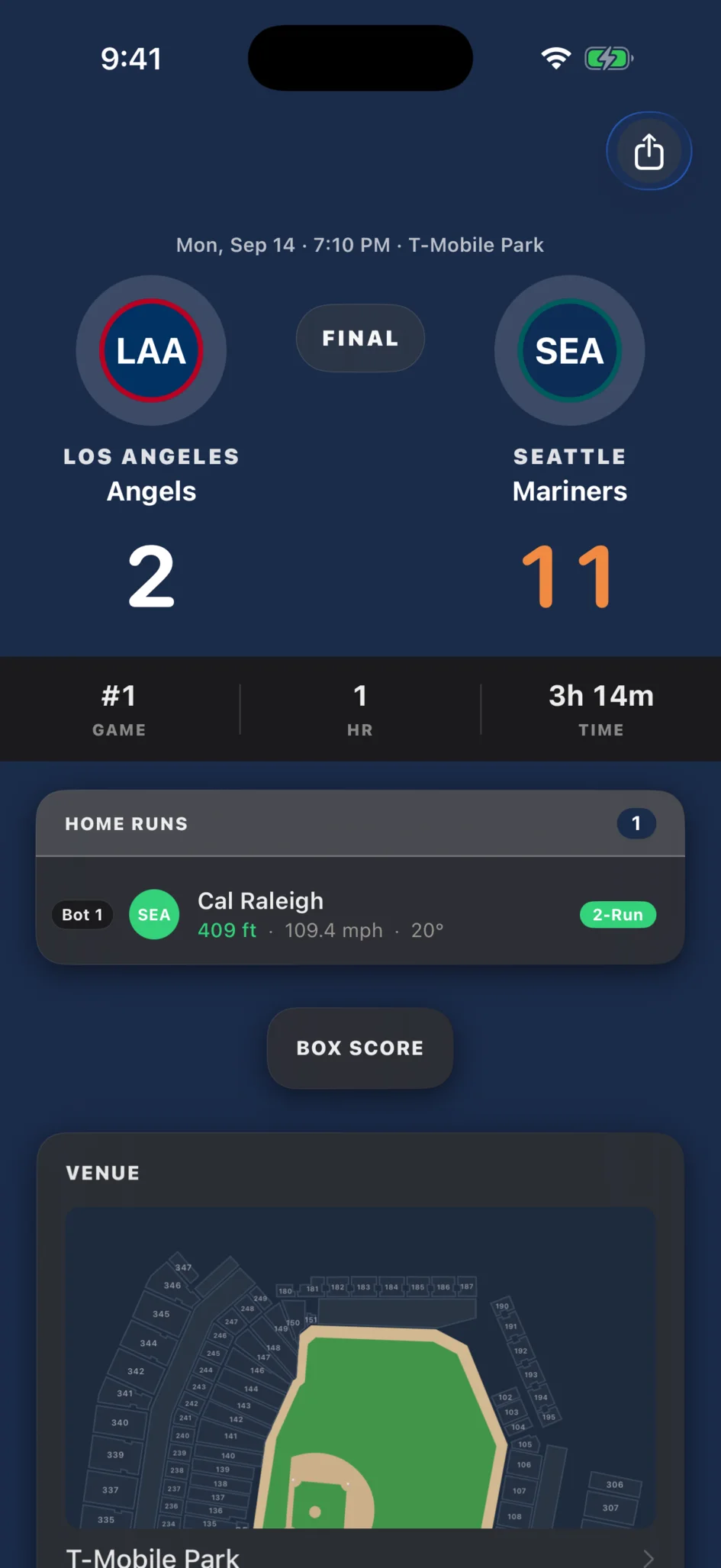
Choose Gamebook when you want a baseball-first record on iOS, the Android test, or the web. A saved MLB game can carry the park, section, row, seat, companions, photos, notes, box score, players, and home runs, then update your team, park, player, season, crowd, and time totals.
Gamebook and Sports Logbook are separate products. This comparison uses their public product pages as checked on August 4, 2026, and does not treat a feature on one page as a promise about the other.
- Broad multi-sport history and event planning: Sports Logbook.
- MLB-first game history and mobile apps: Gamebook.
- Games, scores, venues, photos, and personal totals: both.
- Seats, witnessed players, witnessed home runs, and a current-and-historic MLB passport: Gamebook.
- Finding future events across many sports: Sports Logbook GameFinder.
What both products can preserve
Both products start from the same useful idea: a final score does not tell you which games you saw. A personal log should keep the event in your own history and make the full set easier to review later.
Sports Logbook's public pages show game records, venue and team progress, maps, stats, and photos. Gamebook keeps an attended game with its official matchup and box-score facts, then adds the details only the fan can supply, such as the seat, companions, note, and photos.
Where Sports Logbook has the wider scope
Sports Logbook is built for fans whose attendance spans many sports. Its public league list and recent game feed include baseball, football, basketball, hockey, soccer, and more. Its venue map and progress counts also work across that wider history.
GameFinder is another clear difference. Sports Logbook lets a visitor choose sports, dates, distance, and a location to find future events. Gamebook does not claim to replace that broad event-planning tool.
If your main question is how many teams, leagues, and venues you have seen across all sports, Sports Logbook offers the broader frame.
Where Gamebook goes deeper for an MLB fan
Gamebook narrows its job to baseball so each entry can connect to MLB box scores, players, home runs, parks, and seat details. The log can answer which players and homers you witnessed, how teams performed while you were there, and how much time you have spent at games.
Its ballpark passport includes active and historic MLB venues and keeps old park names. Seven parks also have original interactive section maps that can highlight sections tied to logged games. Those maps do not show live tickets, prices, seat views, or exact seat-number direction.
Gamebook runs on the web and iOS, with an Android Google Play test. That makes it a better fit when a phone-first baseball record matters more than coverage of other sports.
Test one old game before moving your history
Pick one game whose date, teams, score, park, and seat you know. Add it to each product you are considering. Check how fast you can find the event, which details you can save, and whether the finished entry shows a useful fact you did not have before.
Then check the habit, not just the feature list. Can you add a game from your phone after leaving the park? Can you find it again by team, venue, or season? Does the app make the tenth entry more useful than the first?
Do not rebuild years of attendance until one complete entry feels right. A short test protects your time and makes the tradeoff between broad sports coverage and deeper baseball detail easy to see.
Common questions
Is Gamebook an alternative to Sports Logbook?
Yes, when your attendance history centers on MLB games. Gamebook records games, parks, seats, players, home runs, photos, and baseball fan stats. Sports Logbook remains the broader choice for a history across many sports.
Which app supports more sports?
Sports Logbook supports the wider set of sports and leagues. Gamebook focuses on baseball.
Which app is better for tracking MLB games attended?
Gamebook is the stronger fit for an MLB-first mobile log with seat details, a ballpark passport, witnessed players, witnessed home runs, and baseball fan stats. Sports Logbook is the stronger fit when the same history must also cover other sports.
Can both products save photos from a game?
Yes. Sports Logbook documents photo uploads on its official site, and Gamebook lets a fan attach photos to a logged game.
Does Gamebook help find future sporting events?
Gamebook focuses on the baseball games you attended. Sports Logbook's GameFinder is the better fit for finding future events across many sports by date and location.
Can I try Gamebook on the web?
Yes. Gamebook has a web app, an iOS app, and an Android Google Play test.