Free baseball game log
Free baseball game log template for games you attend
Use the free printable PDF when you want one clean memory page for each baseball game you attend. Use the editable CSV when you want a sortable list with the ballpark, team, date, opponent, final score, section, row, seat, companions, memory, and photo or ticket reference. Both Gamebook downloads are free and work without an account.
Sources and resources
- Download the printable baseball game log PDF — Use page three as a reusable game-memory log. Print one copy for each game or type into the fillable fields before saving.
- Download the editable baseball game log CSV — Open the ready-made table in Google Sheets, Excel, Numbers, or another spreadsheet app and add a row for each visit.
What to record for every baseball game
A useful attendance log keeps the facts that identify the game and the details only you know. Start with the date, teams, final score, and ballpark. Then add your seat, companions, and one short memory.
The official result can help you recover a score later. It cannot recover who sat beside you, the section you chose, or the moment you still talk about. Save those details while they are fresh.
- Date and opponent
- Final score
- Ballpark
- Section, row, and seat
- Companions
- One memory
- Photo or ticket reference
Choose the printable PDF or editable CSV
Choose the PDF when you want a page you can print, write on, or fill on a computer. Its third page is a reusable baseball game log. Print or save a fresh copy for each game you want to remember.
Choose the CSV when you want every game in one table. It opens in common spreadsheet apps, so you can sort by date, ballpark, team, or visit status and add more rows whenever you need them.
How to rebuild games you attended years ago
Work one season at a time. Search old ticket emails, dated photos, calendar entries, and travel receipts. Match the clearest dates and opponents first, then leave uncertain games blank until another record confirms them.
A ticket can recover the seat and opponent. A photo can recover the date and park. Once you know the matchup and date, the official schedule can confirm the final score.
- Search ticket emails by team or ballpark.
- Check photo dates and locations.
- Review calendars and travel records one year at a time.
- Add clear matches first instead of guessing.
- Keep a note beside any game that still needs proof.
When to move from a template to Gamebook
The template works well when you want a private list and do not mind entering each fact by hand. Keep using it as long as it answers the questions you care about.
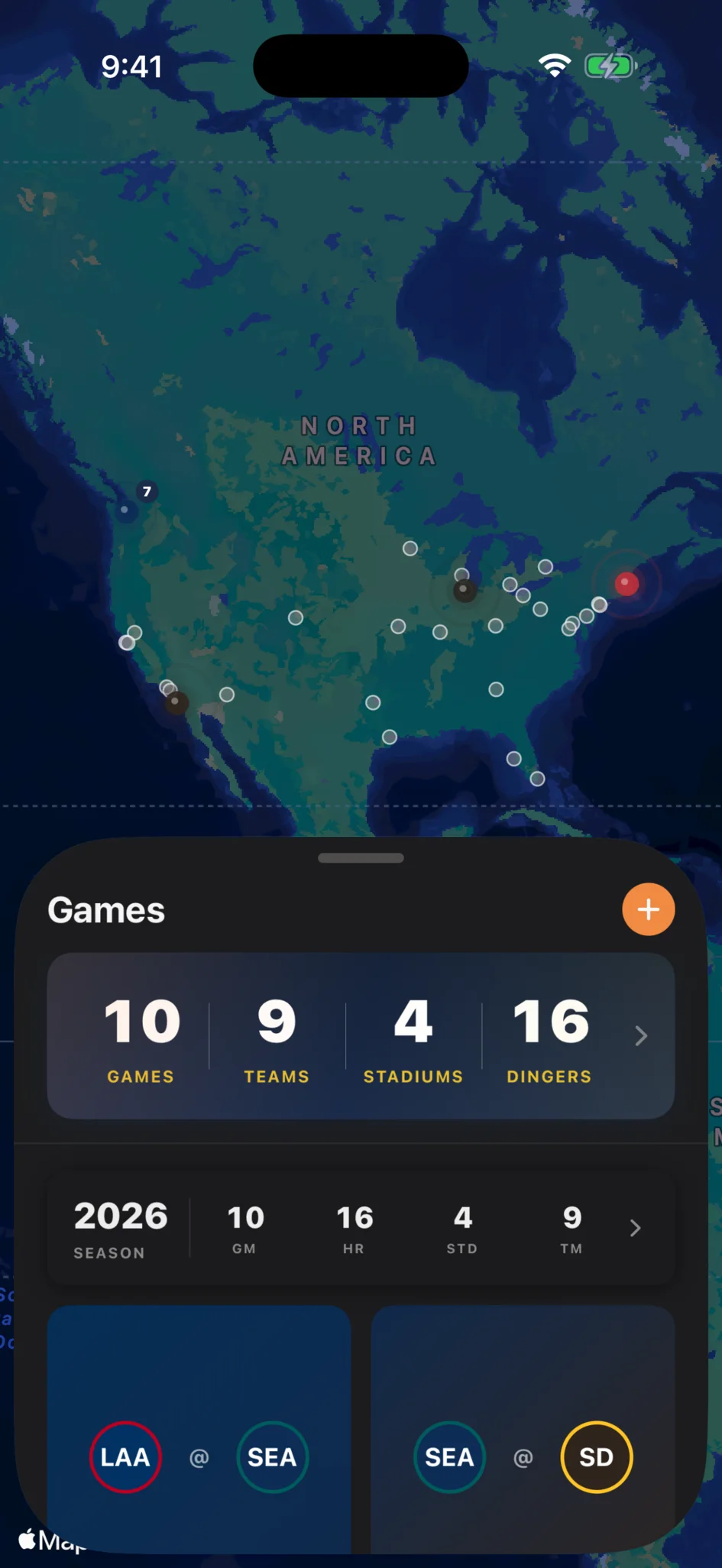
Gamebook saves work when you want the official game tied to your personal details. Add one attended game and it can update your ballparks, team records, players seen, home runs witnessed, crowd totals, and season history while keeping the seat, photos, companions, and notes with that game.
Common questions
Is this baseball game log template free?
Yes. The printable PDF and editable CSV are free to download and use without creating an account.
Can I type into the printable baseball game log?
Yes. The PDF is fillable, so you can type into its fields before saving a copy or print it and write by hand.
Can I use the baseball game log in Google Sheets or Excel?
Yes. Download the CSV and open or import it in Google Sheets, Excel, Numbers, or another spreadsheet app.
Is this a baseball scorecard?
No. This template records games you attended, including the result, ballpark, seat, companions, and memory. It does not score every pitch or fielding play.
Can I use the template for old baseball games?
Yes. Use tickets, photos, calendars, and official schedules to rebuild older games one season at a time.
What does Gamebook add beyond the template?
Gamebook connects a game you attended to its official result and builds personal ballpark, team, player, home-run, crowd, and season stats from your full history.